I’ve made it easier to manually add sources from URLs. You can already do that by tapping to the + button in the message input. Then you can add sources from a URL, upload a document or an existing source from your library.
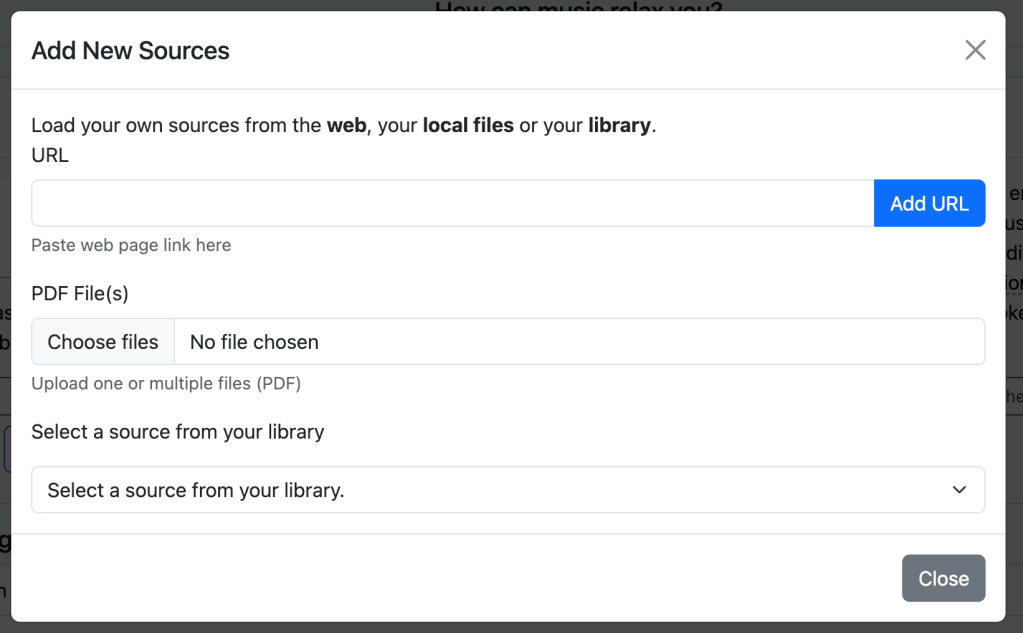
But now you can simply paste a URL into the message input and Pandi will parse it as a source. The source can be a web page and also a PDF URL.
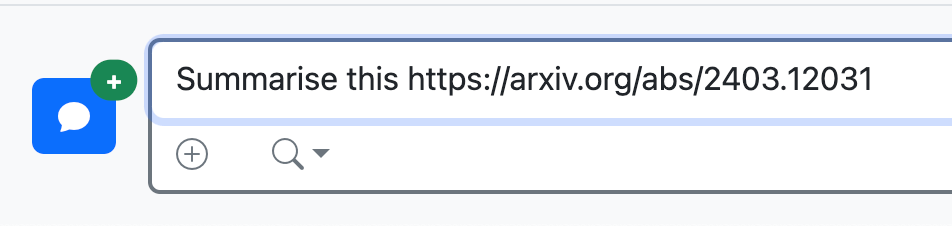
Another great feature that I’ve added is the ability to parse Arxiv research papers by simply adding the Arxiv URL. In this setting, you don’t need to find the paper PDF URL.
I hope you like this new addition. Any feedback is more than welcome 🙂
 Pandi Blog
Leave a comment