I’ve done some adjustments to make it easier to manage sources in AskPandi. The sources sidebar has been moved as an off-canvas menu that can be triggered from a new sources component located right underneath the answer. This makes the answer UI cleaner.

The new sources component is horizontally scrollable. Therefore, if there are lots of sources, it won’t obstruct the UI too much. You can click on manage sources and an off canvas sidebar with the full table to manage sources will show up. This is the the same sidebar that was previously next to the answer. Here you can mange sources:
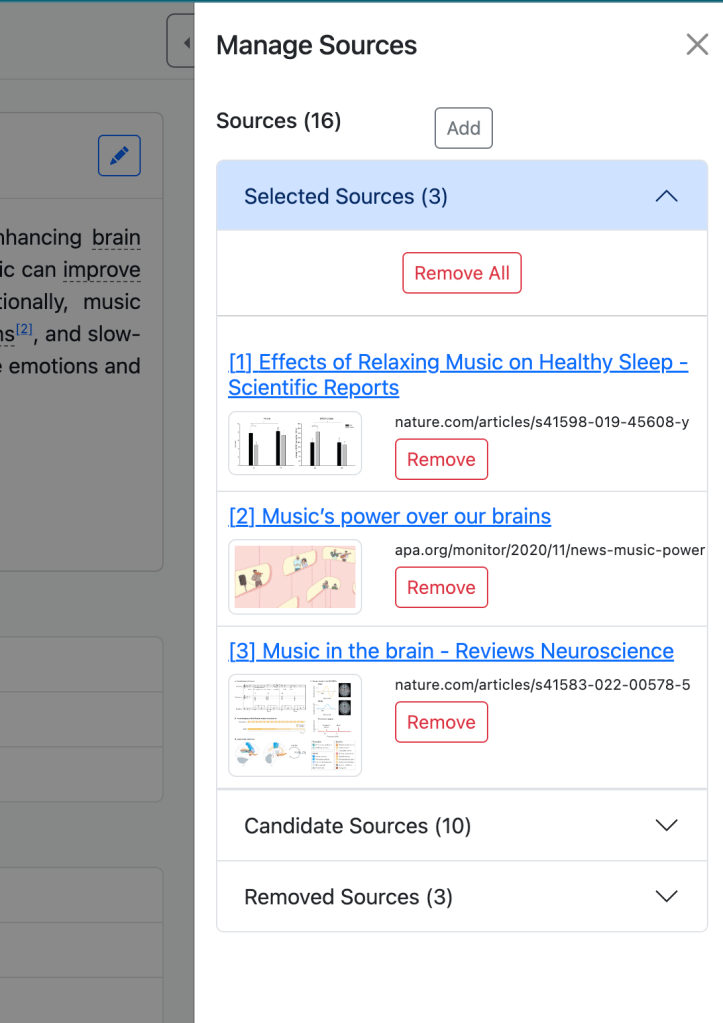
You can see what sources have been selected to answer your question. You can see what sources have been read but removed. Removed sources have either been read by the search agent and deemed irrelevant or there was an issue parsing the webpage. Candidate sources are sources that we didn’t look at but you can add to the answer. There are option to bulk add and remove sources from each category. For example, if you want to use more sources for your answer, there is a button to “Add All” the sources.
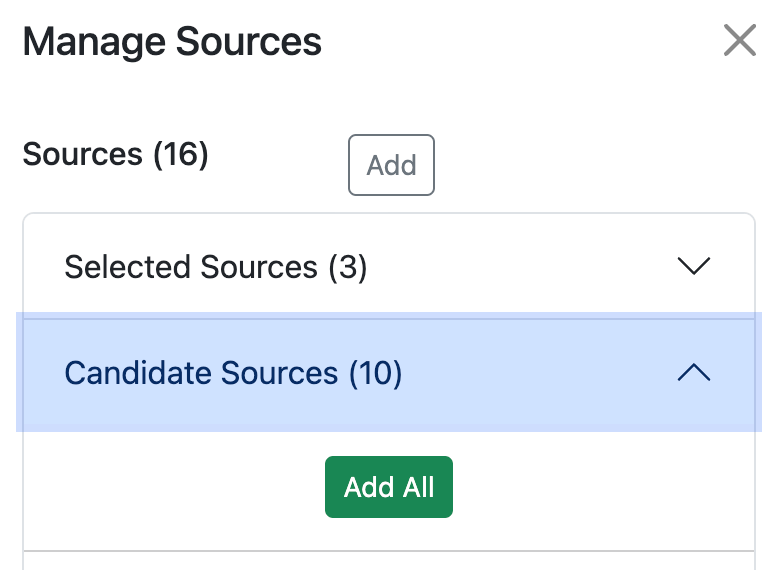
Then you can click on Apply and the answer will be regenerated with the new sources. Ideally, we would like to use lots of sources to generate answers but there are latency limitations, meaning that the more sources we look at, the longer it takes to generate an answer.

 Pandi Blog
Leave a comment